◆ A private AI lab · case study
Real tools I use in my own design work, turning photos, floor plans and messy product feeds into finished visuals. This page is the making-of: the problems, the fixes, the output. The lab itself stays private.
Why you can't log in, and why that's the proof. You're already on it. The tools live behind a real login: try the button up top and you'll hit a locked door. It's a personal tool, not a product. Nobody can doubt something they're not allowed to touch. So here's the window instead: real screens, real output, the honest making-of.
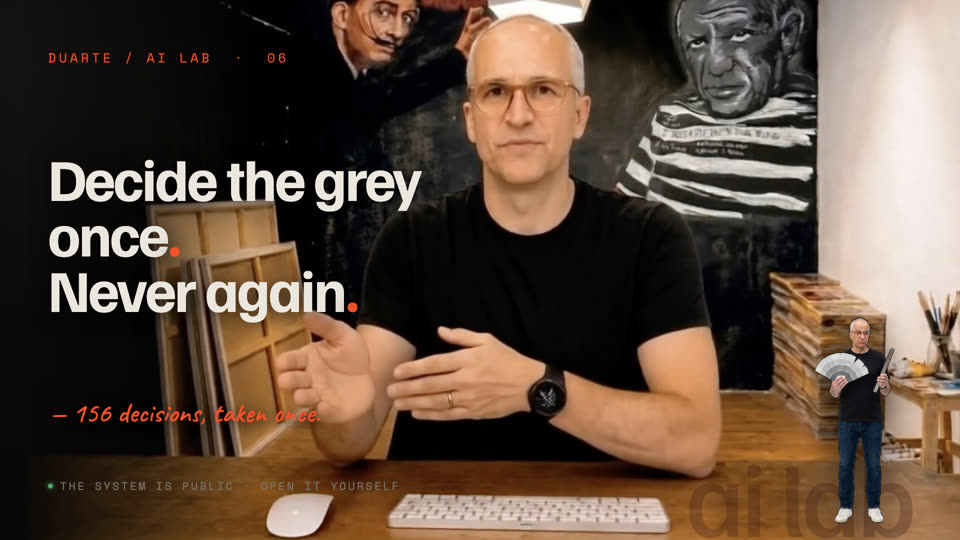
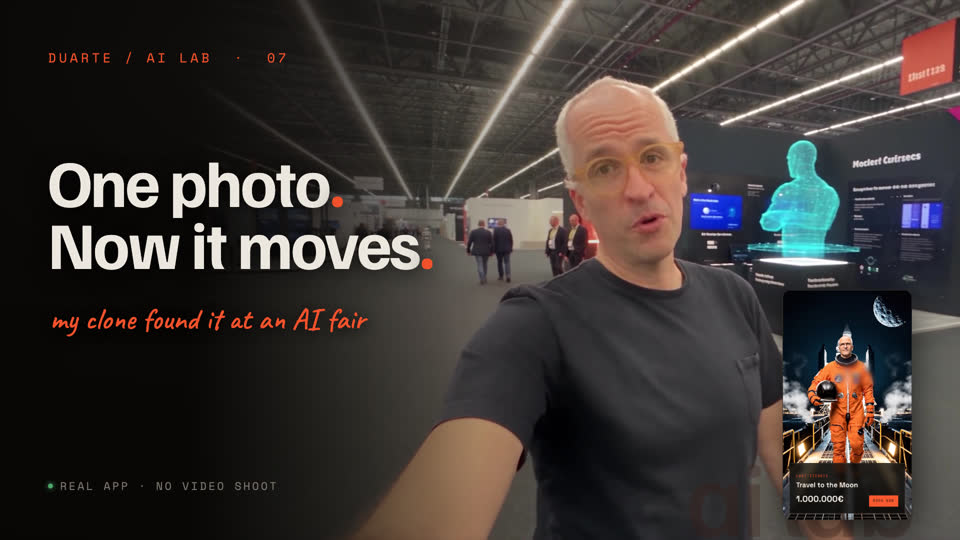
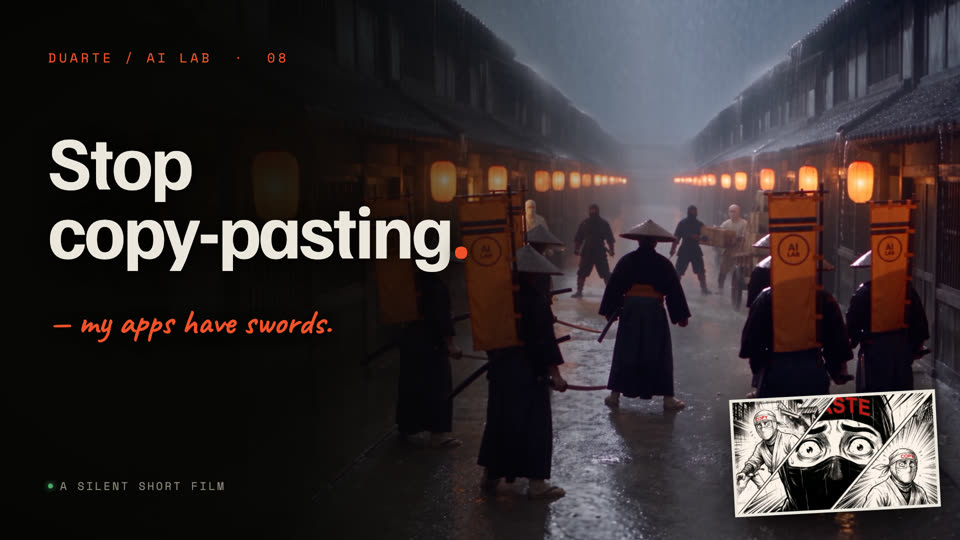
▶ On YouTube · @DuarteAILab
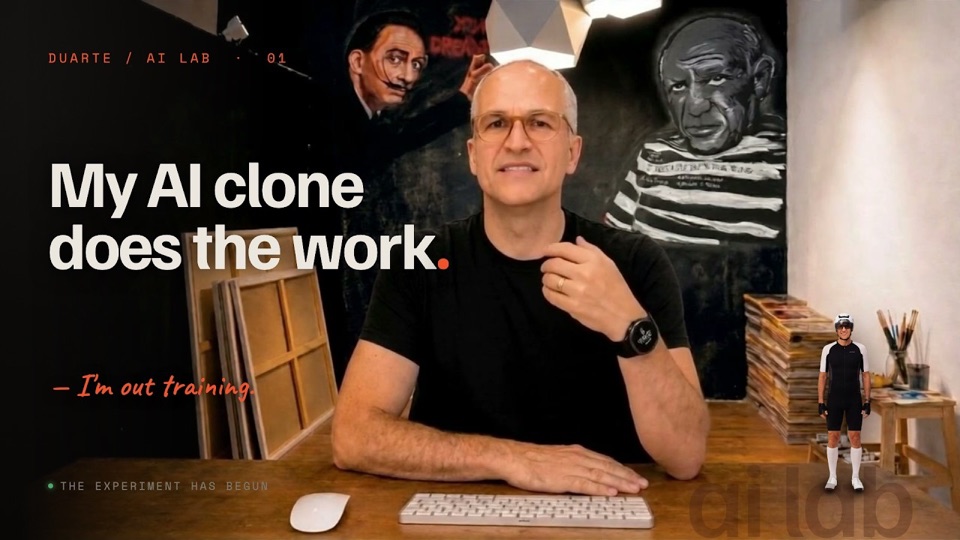
The channel is the real making-of: every tool, every problem I hit, on camera. Start with episode one.
01 The tools
Not demos. Things I open on an iPhone or a laptop to get real design work done faster. The ones below are the ones I've used enough to show. Others are running in the lab and will appear here as they earn it.
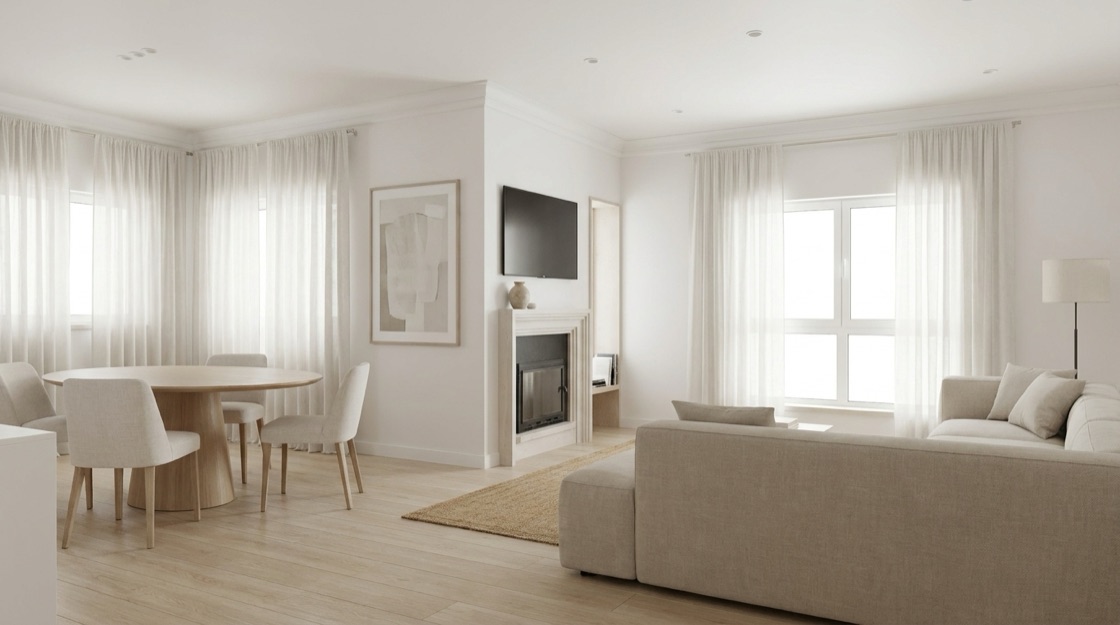
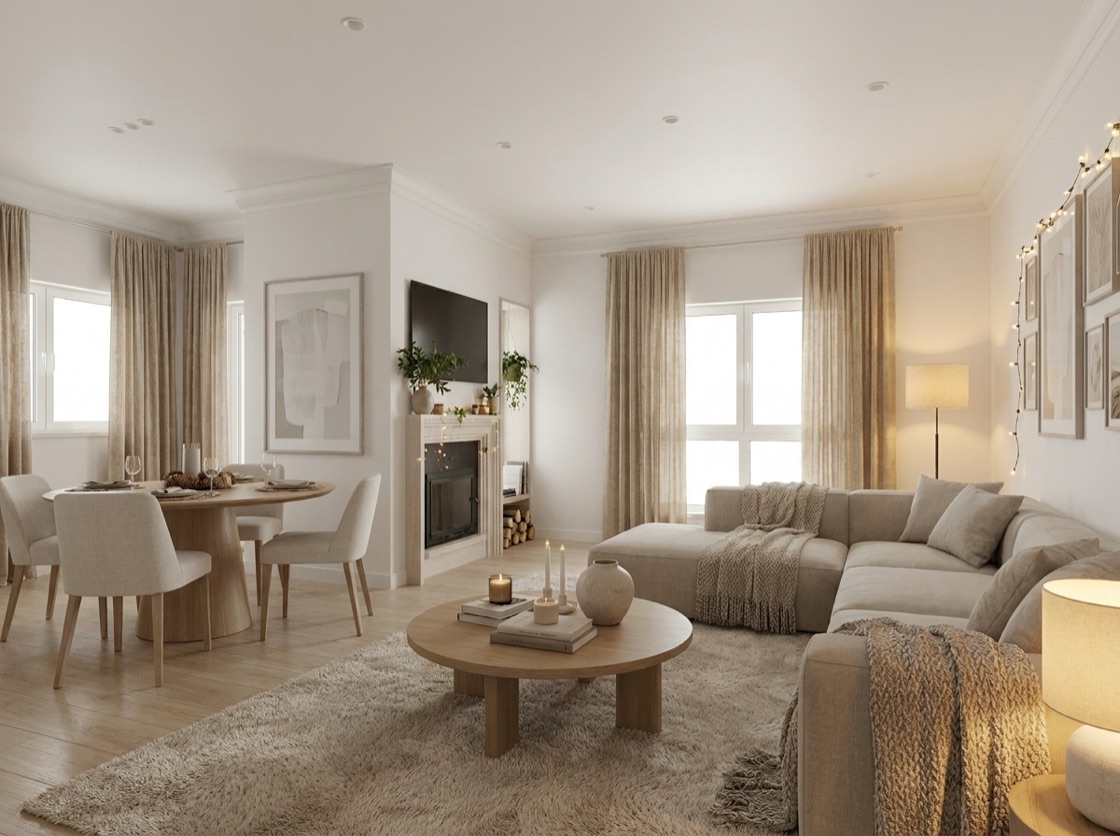
The problem: a client wants to see their living room restyled, or a room that's still just a floor plan. Mock-ups take hours and never quite convince.
The problem: I was paying a subscription to remove backgrounds from product shots, and losing resolution.
The problem: every delivery ends with a folder of images that are all too big, and the online compressors cap the file size, cap the batch, and want your pictures on their server.
The problem: a good interior render needs real furniture. Hunting product images every time kills the flow.
The problem: AI portraits drift. Change the outfit and you're a different person.
02 The making-of
A few real problems I hit building this, and how I reasoned my way out. Product-level, the way a designer thinks about it.
The AI kept swapping walls. A window on the left ended up on the right, doors moved.
Fix: the app now computes exactly what the camera sees (far wall, left, right, behind you) and hands it that, pre-solved.
On iPhone the preview stayed black. It read as broken; it was an OS permission block.
Fix: a clear, touch-only warning that says what's really happening, instead of a scary void.
A cloud model was retired and every call started failing with a cryptic error.
Fix: surfaced the real cause, migrated, and left a guard so it can't silently happen again.
03 Output
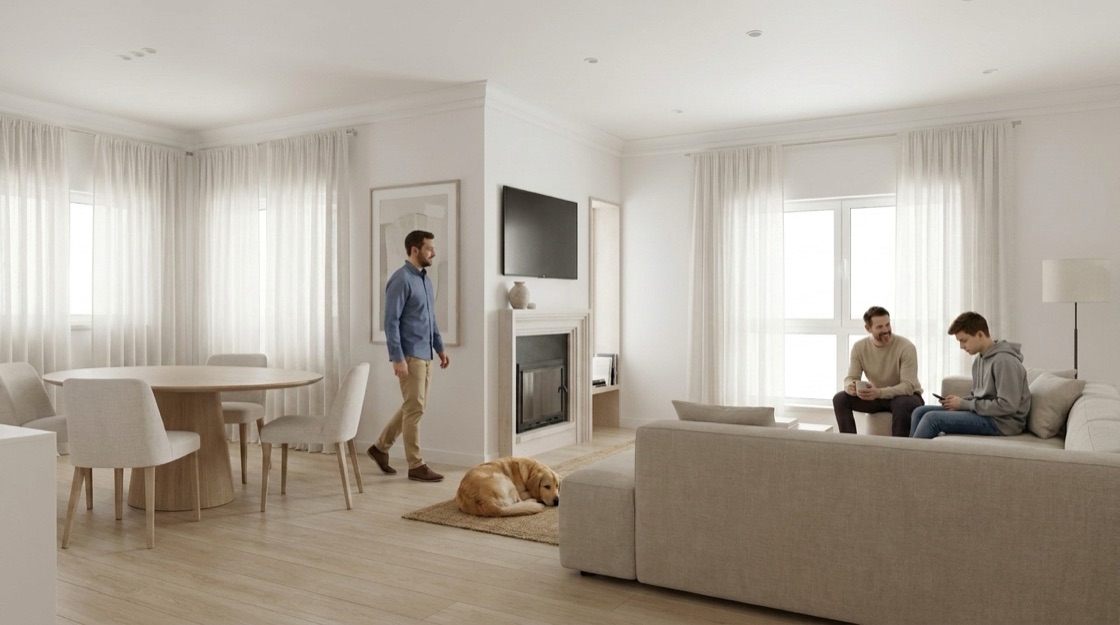
Everything below is generated or processed by the lab. No stock, no edits after the fact.
Drag to compare: the same real room, one tap apart.


04 What it demonstrates
Built solo, end to end: product thinking, a real design system, and enough engineering to make it work.
Shipped
6
tools I open in my own week
Product design
A problem from my own desk, turned into something I actually use on a Tuesday.
The whole chain, solo
Interface, prompts, data pipelines, deploy. Nobody to hand the hard part to.
Open to everyone
8,700
icons that answer in Portuguese
One system
172
decisions taken once, reused everywhere
Accessibility
Contrast measured, not assumed. AA on every screen.
Own hardware
One tool runs on a Mac mini under my desk. No bill per image.
05 Open to everyone
Everything else here needs a password. The icon search does not, because it costs nothing to run: no AI, no server work, it all happens in your browser. Lucide, Tabler and every emoji in a single box — and it understands Portuguese, which none of the originals do. Search frigorífico, get the fridge.
Portuguese in, the right icon out
None of the originals speak Portuguese. Lucide and Tabler are named in English, so a Portuguese search comes back empty. This one carries its own translation layer, which is the whole reason it exists.
06 The design system
Every tool in the lab is built from the same tokens and the same components, which is why a new one looks like the others on the day it is born. It keeps a designer consistent, it gives a developer the answer instead of a discussion, and when an AI is asked to build a screen without being told everything, this is what it falls back on.
--c-charcoal-900: #0e0d0c; --c-charcoal-800: #14110f; --c-charcoal-700: #1a1715; --c-charcoal-600: #211d19; --c-line: #2a2622; --c-ink: #f3eee5; --c-ink-dim: #a39c8f; --c-ink-faint: #8f8478; --c-paper: #f4ede0; --c-paper-edge: #ded4c2; --c-paper-ink: #2a2723; --c-paper-soft: #6a564b;
The source
Not a picture of the tokens: these lines are pulled from the stylesheet this page is wearing right now. Change the file, this changes with it.
Colour
Components
The result
Type, colour and controls come out of the same file, so the fifth tool looks like the first one without anybody redrawing it.
Type 3 families · 15 sizes
Photograph a room that doesn't exist yet.
Things I open on an iPhone to get real work done faster.
WHERE IS THIS GOING? · 768×1376 · 3.8s
Colour 24 · click to copy
Spacing 16 steps
Buttons live
Form fields label · hint · counter · error
Feedback badges · alerts · states
Cards & panels the dashboard vocabulary
A dark editorial surface.
For anything that should feel printed.
Backgrounds off, at full resolution.
→Create your first one to start building.
start here ↑
Modal the panel, out of its overlay
Everything above is the same CSS the tools load, not screenshots, not a copy. Click any token name to copy it.
◆ The lab stays private
The tools are personal. The door stays locked. If you have the key, come on in.